
Markup Calculator — Find Your Selling Price from Cost
Free markup calculator: enter cost and markup to get the selling price, or work it backwards. Shows the markup-vs-margin difference, with worked examples.
Calculate the selling price
Enter the cost and markup to see the price, profit, and equivalent margin.
Total cost of one unit.
Percentage added on top of the cost.
How it works
Markup measures profit against cost. The formula:
- Markup % = (Selling price − Cost) ÷ Cost × 100
- Selling price = Cost × (1 + Markup ÷ 100)
Where cost is everything you pay to make or buy one unit (materials, labor, overhead, and any taxes that fall on the purchase), and selling price is what the customer pays.
Markup is not margin
This is the single most common pricing mistake. Markup is measured against cost; margin is measured against the selling price. The same transaction gives two different percentages:
- Margin % = (Selling price − Cost) ÷ Selling price × 100
A 50% markup equals a 33.3% margin on the same item. Use markup to set a price from a cost; use margin to read how much of each sale you keep.
Worked example
Cost of one unit: $50. Desired markup: 40%.
- Selling price = 50 × (1 + 0.40) = $70
- Profit = 70 − 50 = $20
- Equivalent margin = 20 ÷ 70 × 100 = 28.6%
Tips
- Fold every cost into the cost figure first — taxes on the purchase, shipping, and packaging — or your markup will overstate your real profit.
- To reproduce this in a spreadsheet, put cost in A1 and markup percent in B1, then use
=A1*(1+B1/100)for the price. - Set markup from your target margin, not the other way around, when you have a minimum profit to protect.
Get the pricing template
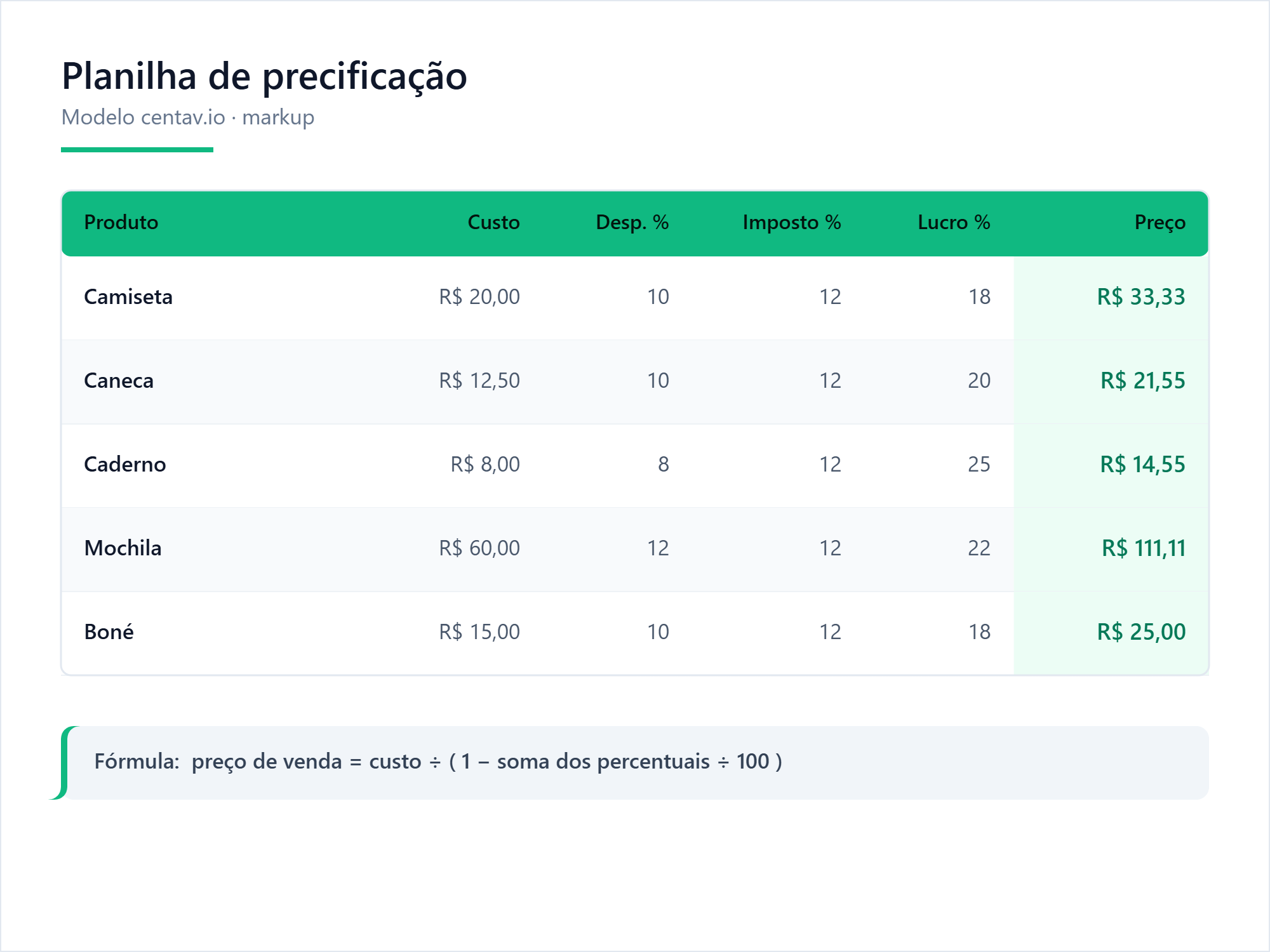
Markup spreadsheet: cost → price, markup vs. margin, multiple items.